
Adobe Illustrator Pro for Teams
Get Adobe Illustrator for Teams – Professional vector graphics software trusted by designers to create stunning illustrations, logos, icons, and typography for print, web, video, and mobile platforms. Ideal for collaborative creative work.
43,572 + 18% GST
Plans and prices
₹43,572 before GST, ₹51,415 with 18% GST.
Buying for a team? Request a quotation Prices for several users, renewals or a formal quote for your purchase team
- GST invoice on every order, so your company can claim input tax credit
- Delivered electronically and assigned to your own account
- Our team helps with account set-up and assigning users

Features at a glance
Vector graphics
Create logos, icons, illustrations, packaging and web and mobile graphics. Vector artwork scales from a mobile screen to a billboard.
Drawing and type tools
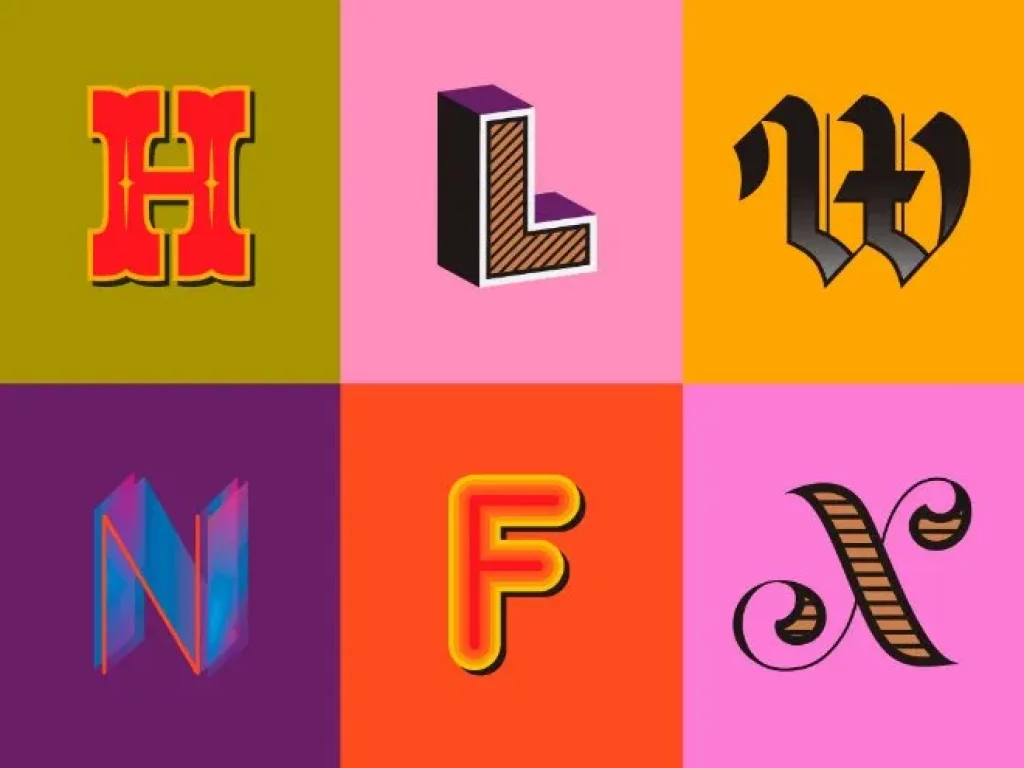
Turn simple shapes and colours into logos and graphics, and use type tools to set and style text.
Effects and styles
Add effects, manage styles and edit individual characters.
Team licensing
Licences are managed in the Adobe Admin Console. Your administrator can assign and reassign licences as people join or leave.
GST invoice and set-up help
Billed by PI Software with a GST invoice. Our team helps with account set-up and assigning users.
System requirements
| Windows | Windows 11 (v24H2, v25H2, v26H1 and v26H2) or Windows 10 v21H2 LTSC |
|---|---|
| Processor | Multicore Intel processor with 64-bit support and SSE 4.2, or AMD Athlon 64 with SSE 4.2 |
| Memory | 8 GB RAM, 16 GB recommended |
| Disk space | 8 GB available on Windows and 10 GB on Mac, SSD recommended |
| Display | 1024 x 768, 1920 x 1080 recommended |
| Graphics | For GPU performance: at least 1 GB of video memory (4 GB recommended on Windows, 2 GB on Mac), DirectX 12 or OpenGL 4.0 on Windows, Metal on Mac |
| Mac | macOS 26 (Tahoe), 15 (Sequoia) or 14 (Sonoma) |
These are the requirements for the current version as published by Adobe. Check the Adobe page before buying if your computers are older. Source: Illustrator on desktop technical requirements (Adobe), checked 16 November 2026.
Price guides and comparisons
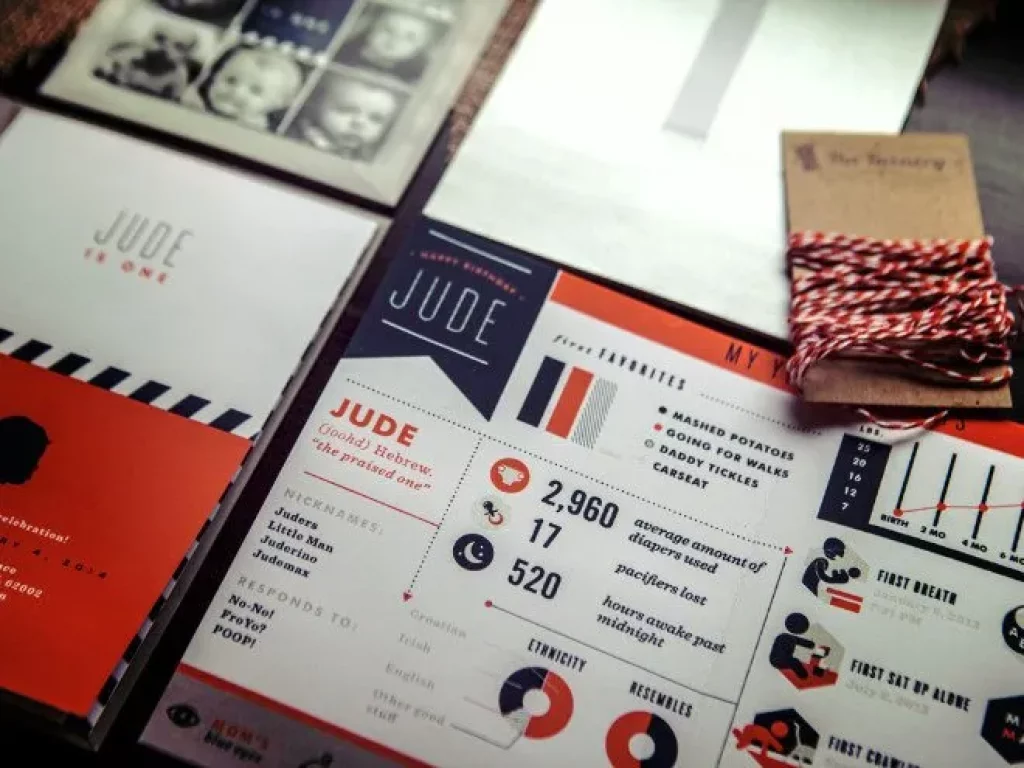


Creativity for all.
Photography. Design. UX. Video. 3D and AR. Adobe Creative Cloud has everything you need, wherever your imagination takes you.
2 reviews for Adobe Illustrator Pro for Teams
Reviews here come from customers who bought this product. Bought it from us? Tell us how it went at sales@pisoftware.in.
Related Products
Aakash Rautela –
“Amazingly amazing tool for designing”
Mohan Iyengar ( Graphic Designer) –
Amazingly fantastic tool for designing! I’ve been extensively using Adobe Illustrator CC for Teams and am continually amazed by its capabilities. The software boasts an intuitive user interface that makes exploring and discovering new features easy, no matter how often I use it. Illustrator is my go-to for logo, print, and web design. The ability to effortlessly create vector graphics and logos sets it apart. One of the standout features is the ease with which I can export my designs for web or print. If you’re searching for a graphic design tool that combines power with user-friendliness, I highly recommend Adobe Illustrator. It has become an indispensable part of my design toolkit.”